AI
Your AI tools can now touch your bank account. A small business security checklist
AI assistants now connect to bank accounts and act on your behalf. That is useful and risky. Work through this checklist before you connect anything.
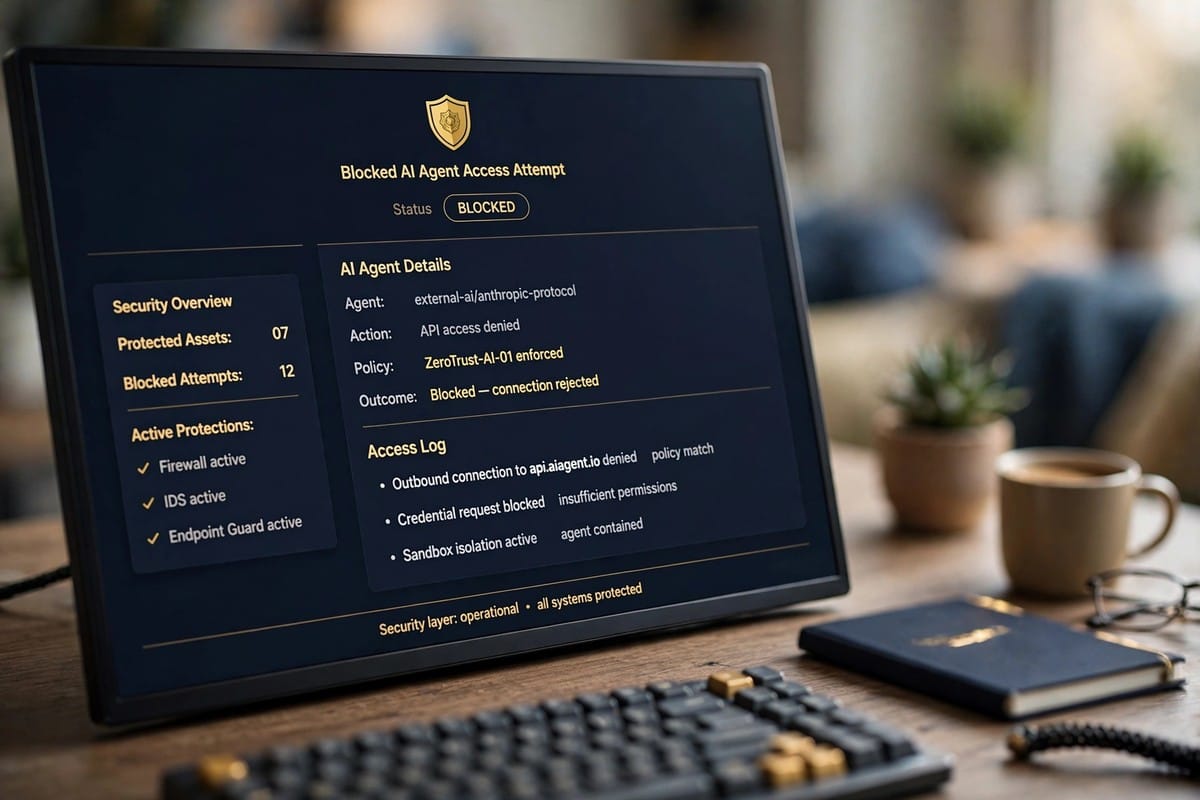
AI assistants can now read your bank account, book things in your name and act inside your business software. That is useful, and it is new. In the last two days alone, Anthropic opened a read only bank link inside Claude, OpenAI shipped a security model for AI agents, and a poisoned version of an official Claude extension reached thousands of users through a coding tool marketplace. If your business uses AI tools, the question is no longer whether to use them. It is how to use them without handing over the keys.
What changed this week
On 5 November, Anthropic started rolling out Personal Finance in Claude, a beta for Pro, Max and Ultra subscribers in the United States. It connects bank and card accounts through Plaid and lets you ask Claude about your money. The link is read only: Claude can look, it cannot move money. On the same day, OpenAI released GPT-6 Cyber, a defensive security model for approved customers in its Daybreak Red program, built to keep security agents inside their authorised scope.
On 6 November, researchers reported that attackers had published a poisoned version, 2.1.313, of Anthropic's official Claude extension through Anthropic's own account on the marketplace of Cursor, a maker of AI coding tools. Cursor said it reached at most 5,000 users. Anthropic shipped a fixed version, 2.1.314, several hours later. The incident shows the weak point clearly: the risk is not only the model you use, it is the extensions, plugins and agents around it.
The market is reacting. Palo Alto Networks is in talks to buy Clutch, an AI agent security startup, for 500 million dollars, according to TechCrunch. And at the World Internet Conference in Wuzhen, which closed on 5 November, a convention on AI agent development proposed layered and verifiable agent identities, so that an agent can prove what it is and what it may do.
The checklist
Work through these six points before you connect any AI tool to money, email or customer data.
- Start read only. Connect bank and accounting tools with read only access first, and live with that for two weeks. If a tool needs to move money, that is a separate decision, with a separate approval.
- Use a separate account and a limit. Give AI tools their own bank sub account or card with a low limit, never your main operating account. A tool that can only spend 200 dollars cannot empty the business.
- Approve every money move. No agent should pay an invoice, refund a customer or change a price without a human saying yes. The approval is the product: it takes ten seconds and it is the whole safety net.
- Check every extension and agent. List everything installed in your browser, your coding tools and your AI assistants. Remove what nobody recognises. Install extensions only from the official publisher account, and check the version number after every update.
- Keep logs and alerts. Turn on login alerts, payment alerts and an activity log for every tool that touches money or customer data. Read the log once a week. Most incidents are visible in the log days before anyone notices the damage.
- Give one person ownership. One named person owns AI access in your business: who may connect what, which accounts are linked, and what to do when something looks wrong. If everyone owns it, nobody does.
What this means for Canadian and German businesses
Canadian banks have already moved to block third party AI agents from customer accounts, which we covered yesterday. German businesses face the EU AI Act transparency duties, which have applied since 2 August 2026, and the next marking deadline on 2 December 2026. The direction is the same on both sides of the Atlantic: AI that touches money and personal data will be watched, logged and limited. Businesses that set their own limits first will find the rules easy. Businesses that wait will find the rules written for them.
AI tools that can touch your bank account are not a reason to stop using AI. They are a reason to treat access like a key: hand out as few copies as possible, know who holds each one, and change the locks when something looks wrong.
See our workflow automation service and our digital systems service. For the banking side, read our guide on Canadian banks and AI agents.
Frequently asked questions
Is it safe to connect an AI tool to my bank account?
Yes, with limits. Claude Personal Finance is a read only bank link in a US beta, so Claude can look but cannot move money. Start with read only access, use a separate account with a low limit, and approve every money move yourself.
What happened with the Claude extension on Cursor?
The poisoned version 2.1.313 of the official Claude extension was published through Anthropic's own account on Cursor's marketplace and reached at most 5,000 users. Anthropic shipped a fixed version, 2.1.314, several hours later. Check your installed version and update it.
How do I limit what an AI agent can spend?
Give the tool its own sub account or card with a low limit, never your main operating account. Turn on payment alerts, and require a human approval for every payment, refund or price change.
How do I check my extensions and agents?
List every extension, plugin and agent in your browser, coding tools and AI assistants. Remove what nobody recognises, install only from the official publisher, and check the version number after each update.
Do regulations already cover AI agents and money?
Yes. The EU AI Act transparency duties have applied since 2 August 2026, and the machine readable marking deadline for older generative systems is 2 December 2026. Canadian banks have also moved to block third party AI agents. The rules are tightening on both sides.
Working on something like this?
Tell us what you are building. We reply to every enquiry.
Related service: AI Search Visibility (GEO)

Canadians are turning against AI. How your business can still earn trust
Ottawa is spending billions on AI while public trust falls. For a Canadian business, trust is now the product. Here is how to earn it.
Read article
Physical AI is reaching German factories: what it means for your business
AI is leaving the screen and entering the factory floor. Here is what the Germany and NVIDIA deal, and the new robot training centre near Munich, mean for your business.
Read article
Canadian banks block third-party AI agents: what it means for you
RBC, TD, CIBC and BMO are blocking third-party AI agents from their online platforms. What that means for your automation.
Read article